 Transcriber
Speech recognition is easy to find in English. The moment your life involves other languages, the options thin out fast: dictation apps that only ship with a handful of European languages, cloud services that need a data connection precisely when you're abroad without one, and tools that treat "Spanish" as one language when Mexican and Castilian speakers sound nothing alike. If your family speaks Ukrainian at dinner, your clients speak Japanese, or your semester abroad is in Portugal, you need transcription that treats your languages as first-class.
Transcriber supports more than 50 languages and regional dialects, all with the same on-device, real-time engine — so a conversation in Arabic transcribes just as instantly and privately as one in English, with or without an internet connection. Here's what that unlocks and how to use it.
What Does 50+ Language Support Actually Mean?
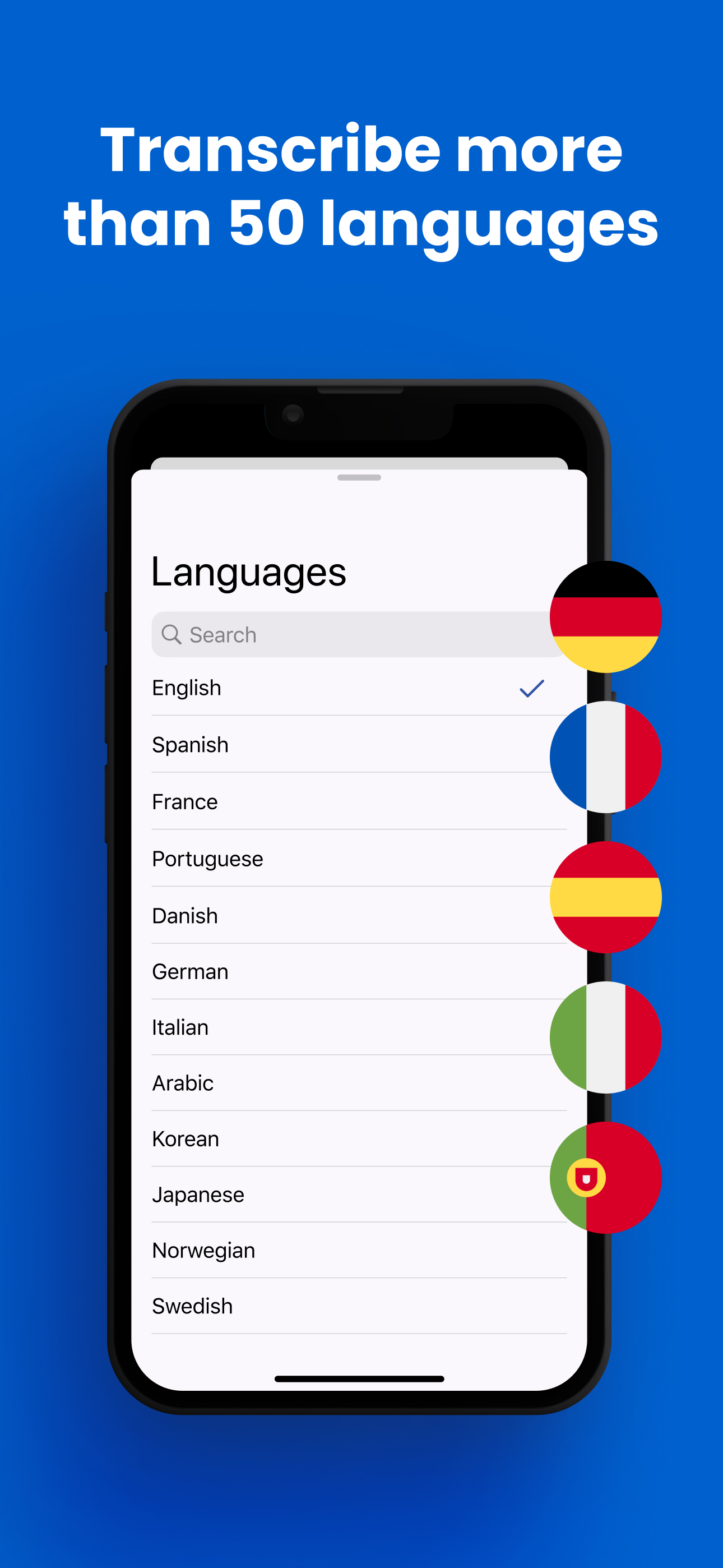
Transcriber's recognition covers the world's major languages — English, Spanish, French, German, Italian, Portuguese, Chinese, Japanese, Korean, Arabic, Hindi, Russian, Ukrainian, Turkish, Dutch, Polish, and dozens more — plus regional variants where they matter: US, UK, and Australian English; European and Latin American Spanish; European and Brazilian Portuguese; and so on.
Three details make the multilingual support genuinely useful rather than a checkbox:
- Every language is real-time. There's no "premium languages are slower" tier — Japanese streams onto the screen as fast as English does.
- Every language works offline. Recognition is on-device, which is exactly what you need abroad, where roaming data is expensive or nonexistent.
- Switching is two taps. Multilingual households and workplaces switch between languages mid-day, mid-meeting, even mid-conversation.
Note what Transcriber deliberately is not: a translator. It transcribes speech into text in the same language, with the accuracy that focus allows. Reading along in the original language is often better than a shaky translation — for language learners, it's the whole point.
How to Use Transcriber Across Languages
- Install once, get every language. Download Transcriber free — all 50+ languages come with the app; Pro unlocks unlimited use of the full list.
- Select the language being spoken. Open the language picker and choose — including the regional dialect closest to your speaker. This is the single biggest accuracy lever for non-English use.
- Traveling: set the local language before you land. At the hotel desk, the train ticket counter, or the pharmacy, tap the mic and let the local speaker talk normally — you read what they said and reply at your own pace. It works in airplane mode, so no SIM card required.
- Language learning: transcribe podcasts, TV, or your tutor in the target language and read along in real time. Seeing the words as you hear them cements listening comprehension; dictating your own speech shows instantly whether your pronunciation lands.
- Multilingual family and work: keep your two or three regular languages in rotation — two taps switches the engine. A hard-of-hearing grandparent can follow the Spanish side of dinner; the same phone captions the English work call an hour later.
- Keep what matters. Copy the transcript in any language — directions from a local, a client's requirements in Korean, vocabulary from your lesson — and paste it into notes, messages, or a translation tool for a second pass.
Tips for Best Results
- Match the dialect, not just the language. "Portuguese (Brazil)" for a Carioca speaker beats generic Portuguese every time.
- Switch languages fully — don't mix. The engine recognizes one language at a time; for code-switching conversations, flip the setting when the language flips.
- Learn the mic gesture abroad. Holding your phone slightly toward a speaker with a smile is universally understood — most people slow down and enunciate on their own.
- Preload your trip. Set the destination language before departure so the app is ready the moment you're off the plane, offline included.
- Pair with a translator app when needed. Transcribe first for an accurate original, then paste into a translator — you keep both the true quote and the gist.
Frequently Asked Questions
More than 50 languages and dialects, spanning Europe, Asia, the Middle East, and the Americas — including English, Spanish, French, German, Portuguese, Italian, Chinese, Japanese, Korean, Arabic, Hindi, Russian, Ukrainian, and many regional variants. Open the in-app language picker for the full current list.
No — it transcribes speech to text in the same language, which keeps accuracy high. For translation, copy the transcript and paste it into your preferred translator; you get a faithful original plus a translation, instead of a lossy one-step guess.
Yes. Recognition runs on your iPhone for every supported language, so transcription abroad needs no roaming, no SIM, and no Wi-Fi.
Yes — two taps in the language picker. The engine listens for one language at a time, so switch the setting whenever the conversation switches.
The app is free to download with core transcription included. Transcriber Pro ($9.99/month or $49.99/year) unlocks unlimited transcription across all 50+ languages.
Download Transcriber Free
Real-time speech to text in 50+ languages. Free to start on iPhone, iPad, Mac, and Apple Vision Pro.
Download on the App Store